
Agent integrations
Connect Claude Code, OpenCode, Cursor, Pi, and MCP-capable assistants to OpenPets through local companion events.
Agent integrations
OpenPets reacts to coding agents. Each supported agent has an integration package that does two jobs: configure the agent to talk to OpenPets, and at runtime translate the agent’s activity into safe pet reactions sent over local IPC or an explicitly configured remote client. This doc covers all five integrations (Claude Code, MCP, OpenCode, Cursor, Pi), the shared speech-safety layer, and the CLI commands that orchestrate them.
For the local and remote wire protocols, see IPC and remote control. Source maps live
in each packages/*/codemap.md.
The shared shape
Every integration follows the same contract, which is worth internalizing once:
- Configuration is atomic and reversible. Writes go through temp-file +
rename with a backup first; paths are validated against traversal/symlink
escape; managed entries are marked so they can be detected, updated, and
removed without clobbering the user’s own config. Status is always classified
(
missing/installed/needs-update/conflict/invalid/…), so the UI and CLI can offer the right action. - Runtime is fire-and-forget. Agent events are classified into a reaction and/or a speech category, dispatched non-blocking, and any IPC failure is swallowed. The pet must never slow down or break the agent.
- Speech is always safe. Automatic messages come from validated pools (see below), never from raw prompt/output text.
- Leases route the pet. Integrations acquire a lease on first activity, heartbeat it, and release on shutdown. See the lease model in IPC and remote control.
Remote mode is the explicit exception to the lease rule: it is default-pet-only
and does not acquire, heartbeat, or release leases. It is selected only through
@open-pets/client remote options or the named OPENPETS_REMOTE_ENDPOINT,
OPENPETS_REMOTE_TOKEN, and optional OPENPETS_REMOTE_CLIENT_ID environment
configuration. The client does not read local discovery in that mode. The
remote server exposes only scoped status, default-pet reactions, and optional
short safe messages; it does not accept arbitrary pet IDs, prompt/output text,
paths, files, media, installs, or discovery operations.
Remote v1 is unencrypted raw TCP. Do not use it on public Internet paths, port-forwarded listeners, or shared/untrusted Wi-Fi; prefer an encrypted overlay with its own ACLs. A CGNAT-range endpoint is only an allowed private address classification, not an encryption boundary. Remote control configuration, client pairing, token rotation, and credential revocation can be managed directly in Control Center under Settings → Remote.
Pet pool: multiple agents, multiple pets
By default every agent session that does not pass --pet <id> shares the single
default pet. The pet pool preference (Control Center → Settings → General,
petPoolEnabled, off by default) changes this so concurrent sessions each get
their own pet from a user-configured ordered list.
How it works when enabled:
- The user configures an ordered list of installed pets in Settings. Slot 1 is the primary/default pet; subsequent slots are assigned to additional concurrent sessions in order.
- When a new session starts without
--pet, the lease manager assigns it the first pool slot not currently held by an active session. - Once every pool slot is occupied, additional sessions are assigned a random eligible pet (installed, non-broken, excluding the built-in default).
- When a session ends its lease, its pet slot is freed and available to the next session.
--pet <id>always takes priority and bypasses the pool entirely - unchanged from current behavior.
Eligible pool pets are installed, non-broken pets excluding the built-in default. Broken or uninstalled pets are skipped silently.
Cross-platform and agent-agnostic. Pool assignment is pure lease logic with
no platform dependency - it works on macOS, Windows, and Linux. Any agent that
acquires a lease through the shared OpenPets client benefits automatically: Claude
Code CLI, opencode, Cursor, and any other MCP client all go through the same
lease.acquire path.
When the pool is disabled (the default), behavior is unchanged: all sessions
without --pet share the single default pet.
Safe speech: @open-pets/agent-events
packages/agent-events/ is the shared guardrail. It provides curated speech
pools by category - thinking, success, error, permission - and the
validators that keep messages safe: single line, 1–140 chars, and rejecting
code, URLs, file paths, and secret-like tokens. pickHookSpeech(category)
selects a message; validateHookSpeech() enforces the rules. claude,
opencode, and pi all depend on it so no integration can leak sensitive text
into a bubble.
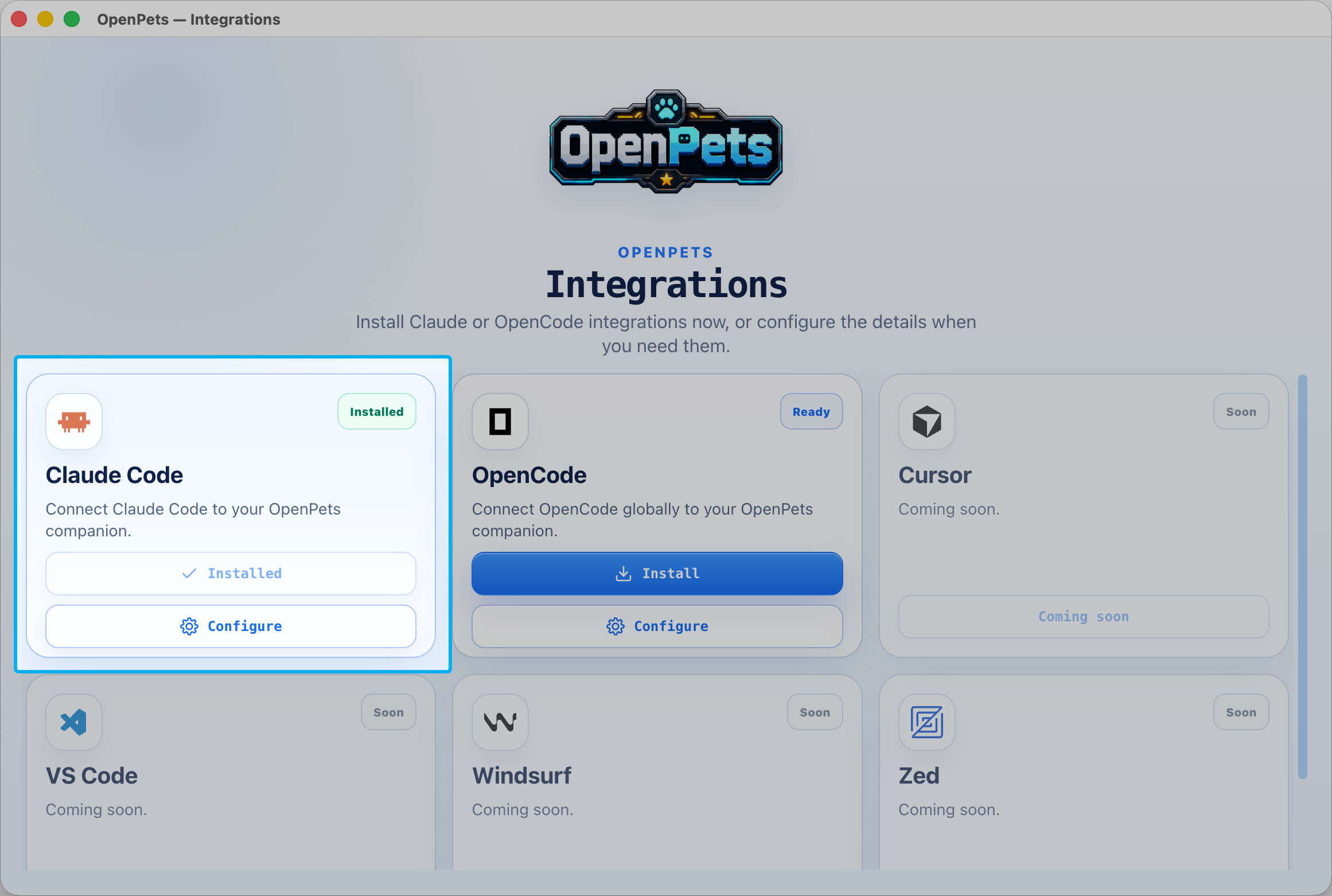
Claude Code - @open-pets/claude
The deepest integration, because Claude Code has a rich hook system.
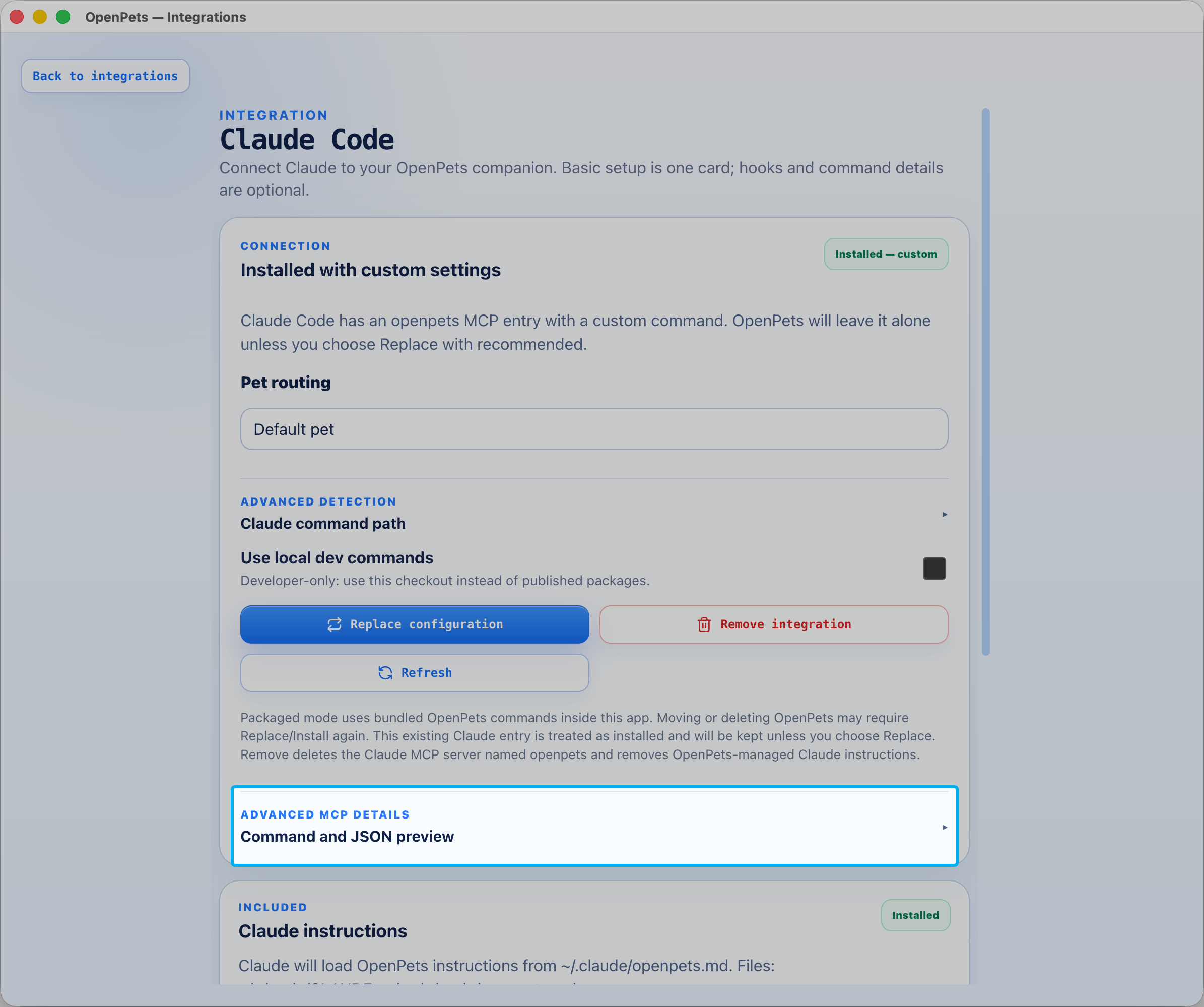
- MCP setup (
claude-code.ts): registers an MCP server namedopenpetsusingclaude mcp add/get/remove. Command modes:published(npx -y @open-pets/mcp),local,bundled(ASAR-unpacked path). Paths are validated to stay within expected directories. - Hooks (
hook-settings.ts+hooks.ts): installs command hooks into~/.claude/settings.jsonfor the lifecycle eventsUserPromptSubmit,PreToolUse,PermissionRequest,Notification,Stop,StopFailure. Each managed entry carries the--openpets-managedmarker.runClaudeHookFromStdin()maps an event to a reaction: prompt submit → thinking, permission → waiting, stop → success, stop-failure → error, andPreToolUseis classified by tool (Edit/Write/MultiEdit → editing, Bash test commands → testing). - Project-local awareness: if a project defines its own OpenPets hook
(
.claude/settings.local.jsonwith--project-local), the global hook stands down to avoid double-firing. - Throttling: ~20s speech / ~3s permission / ~10s reaction cooldowns via a JSON state file, so the pet doesn’t chatter.
- Memory: the desktop’s
claude-memory.tsmanages~/.claude/openpets.md(the instructions file telling Claude how to use the pet).
Doctor/install/uninstall helpers (installClaudeHooks, doctorClaudeHooks, …)
are what the Control Center Integrations page and the CLI call.
MCP server - @open-pets/mcp
A standalone stdio MCP server (open-pets-mcp) for any MCP-capable agent. It
registers exactly three tools - openpets_status, openpets_react,
openpets_say - with Zod-validated input and read-only/idempotent annotations.
On startup it acquires a lease, heartbeats every ~5s, and releases on transport
close or SIGINT/SIGTERM. Shutdown marks the shared lease context as closing,
stops timers, waits for in-flight startup and single-flight recovery from either
the heartbeat timer or a reaction/say tool, then best-effort releases every
retained lease ID exactly once before closing the server and exiting. A heartbeat
failure that arrives after closing begins cannot erase the active lease needed
for teardown; a failure just before closing retains its stale ID alongside any
eventual recovery lease. No new recovery acquisition starts after teardown
begins, so an agent that replaces an MCP process cannot leave a temporary second
pool pet behind. Errors are sanitized so IPC paths/tokens/sockets never leak
into tool output. It is spawned by the CLI (runMcp()) which forwards stdio and
signals. --pet <id> targets a specific pet.
Window confinement requires an installed pet. Passing
--pet <id>only activates window confinement when the requested pet is actually installed. If the pet ID is misspelled or not yet installed, the MCP server silently falls back to the default (unconfined) pet. OpenPets now surfaces this via a desktop notification when the fallback occurs. To list installed pets runopenpets pets; to install one useopenpets install <pet-id>or the Pets tab in Control Center.
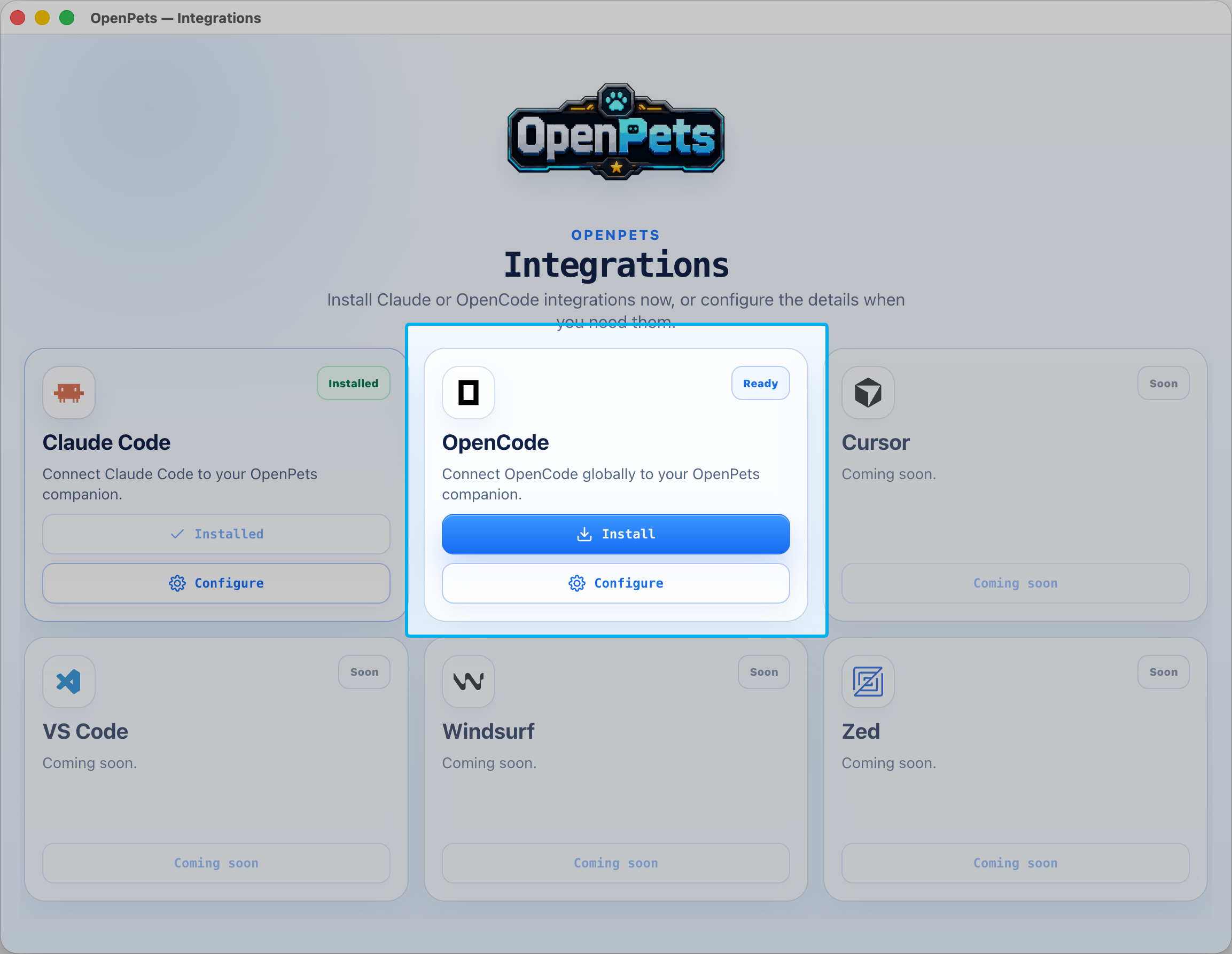
OpenCode - @open-pets/opencode
Ships both a config manager and a runtime plugin.
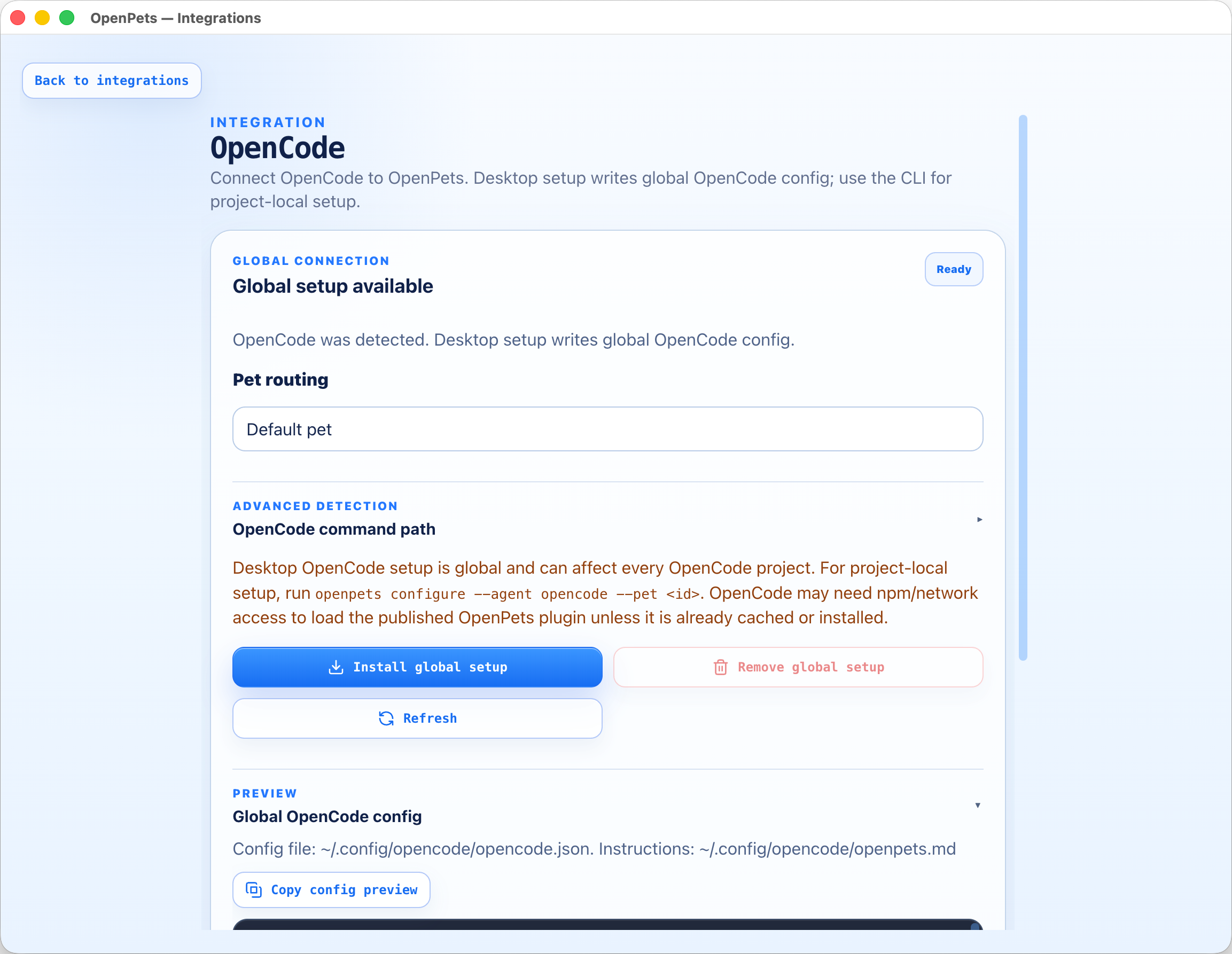
- Config (
opencode-config.ts, JSONC-aware): managesmcp,instructions, andpluginarrays in the effective OpenCode config (project.opencode/or global~/.config/opencode/), choosing the right file amongconfig.json/opencode.json/opencode.jsoncand preserving user arrays. Managed instruction blocks use<!-- OPENPETS:START/END -->markers. Full prepare/write/remove/doctor lifecycle. OpenCode uses the XDG-style~/.config/opencode/location on Windows as well; it does not use%APPDATA%\opencode. - Runtime (
opencode-plugin-runtime.ts, plugin idopen-pets-opencode): hooksevent,chat.message,tool.execute.before/after, classifies them to reactions/speech, manages a lease (renew with a 2s buffer), and applies the same throttle windows as Claude. The optionalexcludeReactionsplugin option is an array of reactions to suppress before IPC or throttling. It can be used without apettarget:["@open-pets/opencode", { "excludeReactions": ["success", "thinking"] }]. - Windows detection: the desktop app checks user and global Scoop shim
directories before falling back to
opencode/opencode.cmdonPATH, so a Scoop installation is detectable even when Electron inherited an older environment.
Cursor - @open-pets/cursor
Pure file management for Cursor, no runtime hooks (Cursor drives the pet via the
MCP server). It manages the openpets entry in mcp.json (global
~/.cursor/mcp.json or project .cursor/mcp.json) and optional project rules at
.cursor/rules/openpets.mdc. Strong safety posture: strict JSON only, size caps
(256 KiB config / 64 KiB rules), symlink rejection at every path level, atomic
writes with backup, recursive redaction of sensitive keys/values, and refusal of
unpinned versions (@latest). Rules ownership requires an exact
OPENPETS:CURSOR_RULES:START/END marker pair. The desktop uses preview/copy;
the CLI writes project rules.
Pi - @open-pets/pi
A Pi coding-agent extension (declared in pi.extensions). It maps Pi lifecycle
events (session_start, agent_start, turn_start, …) to reactions and
registers a /openpets slash command namespace (status, test,
react <reaction>, say <message>). MVP scope is default-pet-only and
non-blocking; it registers no model-callable tools, and never forwards
prompt/assistant/tool/command text, paths, URLs, or secrets.
The CLI - @open-pets/cli
The user-facing front door (openpets), and the package that composes the
others. Commands:
| Command | Does |
|---|---|
configure |
Configure Claude / OpenCode / Cursor for a project (atomic, safe-path) |
install <pet-id> |
Install a pet via the client |
status |
Print app/pet status JSON over IPC |
pets |
List installed pets |
react <reaction> / say <message> |
Drive the active pet |
mcp |
Launch the MCP stdio server |
hook |
Run a Claude Code lifecycle hook |
plugin validate <dir> |
Validate a plugin before install/release |
plugin new <name> --template <t> |
Scaffold an SDK v3 plugin |
The plugin subcommands are the author-side DX entry point - see Plugin platform, Plugin SDK v3, and Development. The CLI enforces safe project paths and atomic config writes throughout.
The CLI’s status, react, and say commands also work with an explicitly
configured remote client because they use the shared client factory. Remote
credentials are consumed in memory and are not included in command output.
The MCP wrapper skips local lease setup in remote mode and sends only the three
remote-allowlisted operations; local users with no remote configuration retain
discovery-based behavior unchanged.
Quick orientation
| Agent | Config home | Runtime mechanism |
|---|---|---|
| Claude Code | ~/.claude/ (settings, MCP, openpets.md) |
lifecycle hooks |
| MCP (generic) | agent’s MCP config | stdio MCP tools |
| OpenCode | .opencode/ or ~/.config/opencode/ |
plugin event hooks |
| Cursor | .cursor/mcp.json + rules |
MCP tools |
| Pi | pi.extensions |
extension events + /openpets |